
Python Flask Flashing
We offer you a brighter future with placement-ready courses - Start Now!!
Web applications are becoming more interactive and user-friendly than ever, and providing feedback to users is a crucial part of creating a positive user experience. Flask, a popular web framework for building web applications in Python. It offers a powerful feature called “flashing” that allows developers to provide feedback to users in an intuitive and effective way. In this article, we will explore Flask flashing in detail, including its purpose, how it works, and how it can be used to enhance user feedback in web applications.
What is Flask Flashing?
Flask flashing is a feature that allows developers to temporarily store messages in the session, which can be displayed to users on the next request. It provides a way to send feedback messages to users, such as success messages, error messages, or informational messages, after a certain action has been performed on a web application. The messages are stored in the session, which is a client-side storage mechanism that allows web applications to store data for a particular user across multiple requests.
The purpose of Flask flashing is to provide immediate feedback to users about the outcome of their actions. For example, after a user submits a form, Flask flashing can be used to display a message indicating whether the form submission was successful or if there were any errors that need to be addressed. This helps users understand the outcome of their actions and provides a better user experience.
How Does Flask Flashing Work?
Flask flashing works by using the session to temporarily store messages that are meant to be displayed to users. The session is a dictionary-like object that can be accessed using the session object in Flask. The session object allows developers to store data that is specific to a particular user and is preserved across multiple requests. Flask uses a secure cookie-based system to store the session data on the client-side.
The process of using Flask flashing typically involves the following steps:
1. Import the flash module from Flask:
To use Flask flashing, you need to import the flash module from Flask in your application. The flash module provides functions to add messages to the session.
2. Add a message to the session:
Once you have imported the flash module, you can use its flash() function to add a message to the session. The flash() function takes two arguments – the message to be displayed and the category of the message. The category is a string that can be used to group similar types of messages together, such as success messages, error messages, or informational messages.
3. Display the flashed messages:
After adding messages to the session using the flash() function, you can display them to the users in the next request. Flask provides a built-in template filter called get_flashed_messages() that retrieves the flashed messages from the session. You can use this filter in your templates to display the flashed messages to the users.
4. Handle flashed messages in the views:
In the view functions of your Flask application, you can access the flashed messages using the get_flashed_messages() function from the flash module. You can then pass these messages to your templates or process them in any other way that is appropriate for your application.
5. Clear the flashed messages:
By default, Flask does not automatically clear the flashed messages from the session after they have been displayed. This means that if a user refreshes the page or navigates to another page, the flashed messages will still be displayed. To clear the flashed messages from the session, you can use the flash.clear() function from the flash module.
Using Flask Flashing for User Feedback
Flask flashing can be used in various ways to provide user feedback in web applications. Here are some examples:
1. Form submissions:
When a user submits a form in a web application, Flask flashing can be used to provide feedback on whether the form submission was successful or if there were any errors. For example, after a user submits a registration form, a success message can be flashed to indicate that the registration was successful. On the other hand, if there were validation errors in the form, error messages can be flashed to indicate what needs to be corrected.
@app.route('/register', methods=['POST'])
def pythongeeks_register():
   # Form submission logic
   if form.validate_on_submit():
       # Registration successful
       flash('Registration successful!', 'success')
       return redirect(url_for('login'))
   else:
       # Form validation errors
       flash('Please correct the errors in the form.', 'error')
       return render_template('register.html', form=form)
In the above example, the flash() function is used to add success and error messages to the session based on the outcome of the form submission. These messages can be displayed in the next request using the get_flashed_messages() function in the template.
2. Login/logout actions:
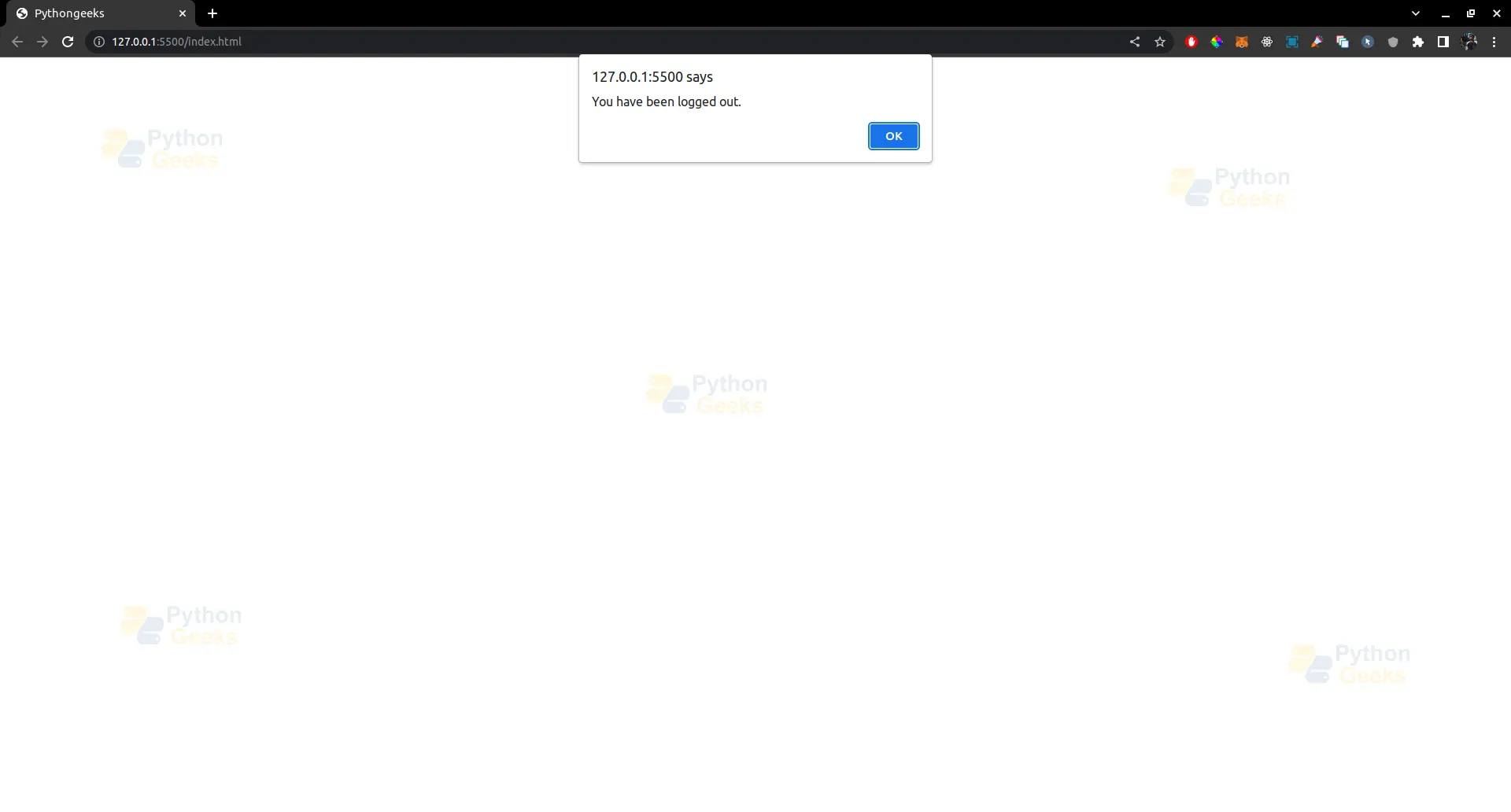
Flask flashing can also be used to provide feedback to users during login and logout actions. For example, after a user logs in successfully, a success message can be flashed to welcome the user. On the other hand, after a user logs out, a success message can be flashed to indicate that the logout was successful.
@app.route('/login', methods=['POST'])
def pythongeeks_login():
   # Login logic
   if login_successful:
       # Login successful
       flash('Welcome back!', 'success')
       return redirect(url_for('dashboard'))
   else:
       # Login failed
       flash('Invalid username or password.', 'error')
       return render_template('login.html')


@app.route('/logout')
def logout():
   # Logout logic
   flash('You have been logged out.', 'success')
   return redirect(url_for('login'))
Output –
3. Action confirmation:
Flask flashing can be used to confirm actions that users take in a web application. For example, after a user deletes a record, a success message can be flashed to confirm that the record has been deleted. This helps users understand that their action was successful and provides reassurance.
@app.route('/delete/<int:id>')
def pythongeeks_delete(id):
   # Delete record logic
   if record_deleted:
       # Record deleted successfully
       flash('Record has been deleted.', 'success')
   else:
       # Record deletion failed
       flash('Failed to delete record.', 'error')
   return redirect(url_for('dashboard'))
4. Error handling:
Flask flashing can also be used for error handling in web applications. For example, if an unexpected error occurs during the processing of a request, an error message can be flashed to inform the user about the issue and provide guidance on how to proceed.
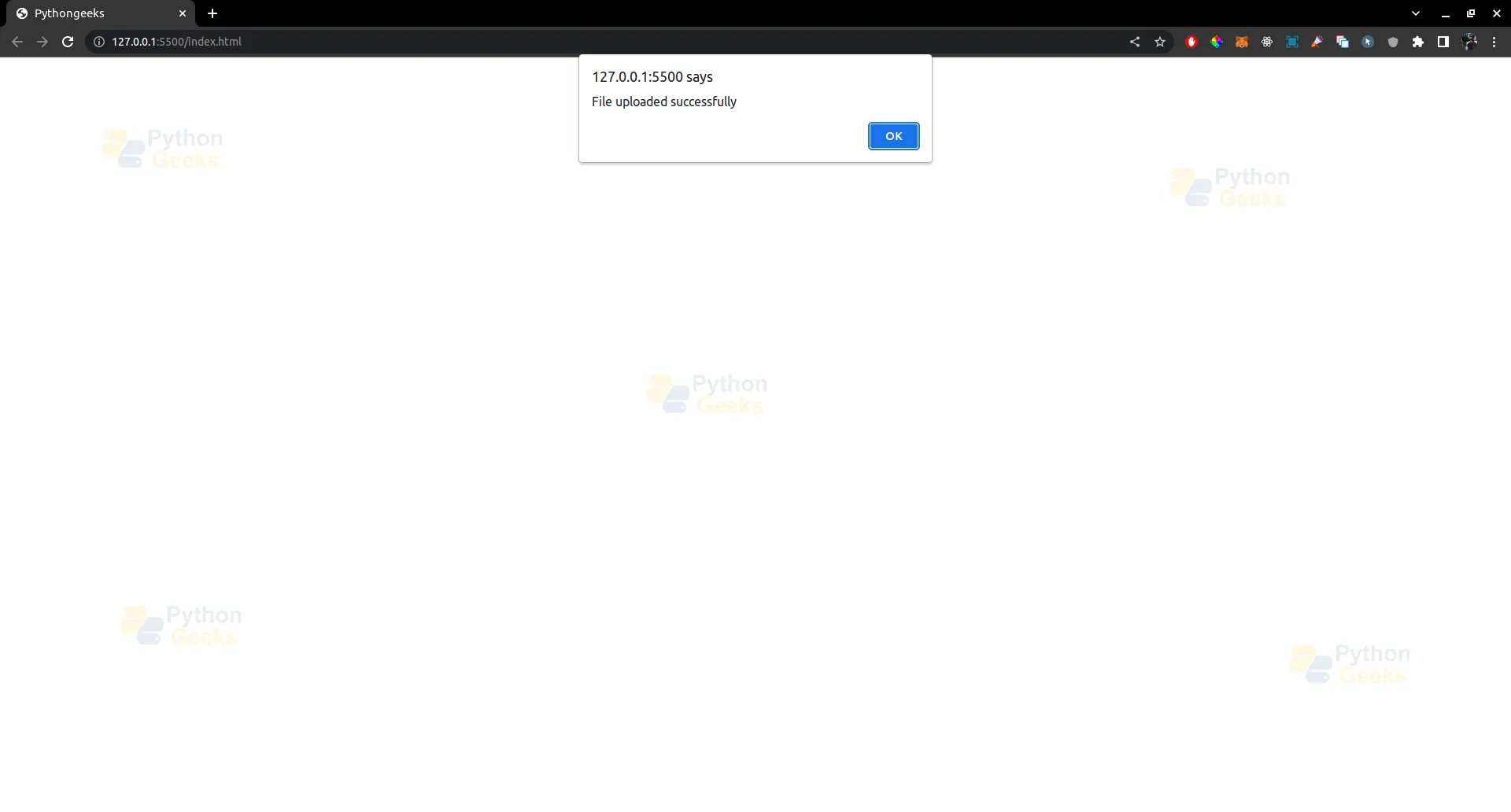
@app.route('/upload', methods=['POST'])
def pythongeeks_upload():
   try:
       # Upload file logic
       flash('File uploaded successfully!', 'success')
   except Exception as e:
       # Handle upload error
       flash('Failed to upload file: {}'.format(str(e)), 'error')
   return redirect(url_for('dashboard'))
Output –
Flask flashing provides a flexible and powerful way to provide user feedback in web applications. It allows developers to display messages to users in a clear and concise manner, helping users understand the outcome of their actions and improving the overall user experience.
Customizing Flask Flashing
Flask flashing provides several options for customization to suit the needs of different web applications. Here are some ways you can customize Flask flashing:
1. Message categories:
Flask allows you to specify categories for flashed messages, which can be used to group similar types of messages together. For example, you can use categories like ‘success’, ‘error’, ‘warning’, ‘info’, etc., to differentiate between different types of messages. This can be useful for styling messages differently or handling them differently in the front-end.
# Flash a success message
flash('Registration successful!', 'success')


# Flash an error message
flash('Please correct the errors in the form.', 'error')
Output-

In the above example, the messages are flashed with different categories (‘success’ and ‘error’) to indicate the type of message being displayed.
2. Message duration:
Flask allows you to set the duration for which flashed messages should be stored in the session. By default, messages are stored until the next request, but you can customize this behavior by setting the flash() function’s category parameter.
# Flash a success message that lasts for 5 seconds
flash('Registration successful!', 'success', duration=5)
Output –
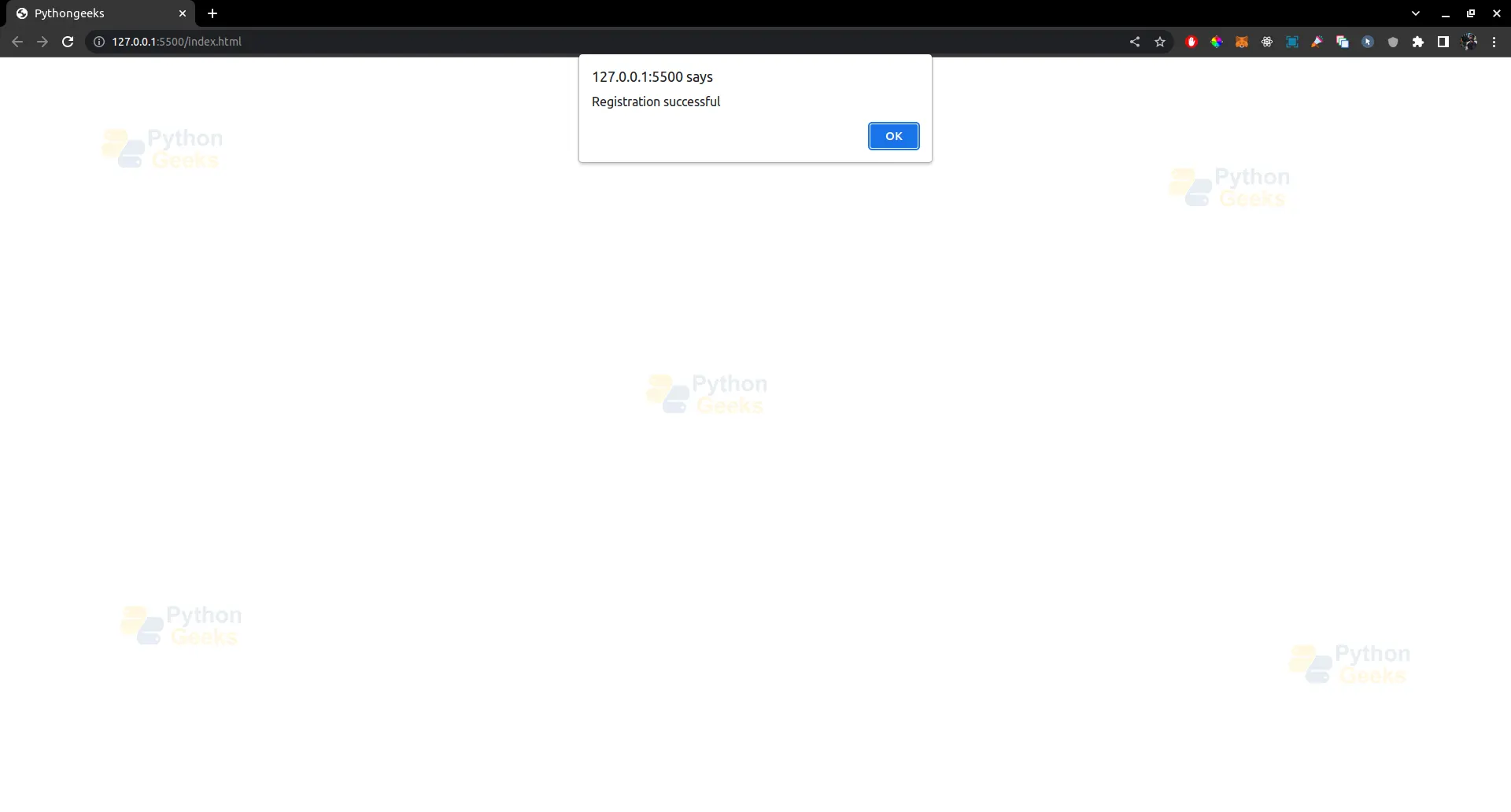
In the above example, the success message will be stored in the session for 5 seconds only, after which it will be automatically removed.
3. Message rendering:
Flask allows you to customize how flashed messages are rendered in the templates. By default, messages are rendered as simple strings, but you can customize the rendering by using the get_flashed_messages() function with the with_categories parameter set to True.
<!-- Render flashed messages with categories in template -->
{% with messages = get_flashed_messages(with_categories=True) %} {% if messages
%}
<ul>
 {% for category, message in messages %}
 <li class="{{ category }}">{{ message }}</li>
 {% endfor %}
</ul>
{% endif %} {% endwith %}
In the above example, flashed messages are rendered as list items with categories as classes, allowing you to style them differently based on the category.
4. Message localization:
Flask allows you to localize flashed messages by using the _() function from the Flask-Babel extension. This can be useful if you have a multilingual web application and need to display messages in different languages.
from flask_babel import _


# Flash a localized success message
flash(_('Registration successful!'), 'success')
Output –
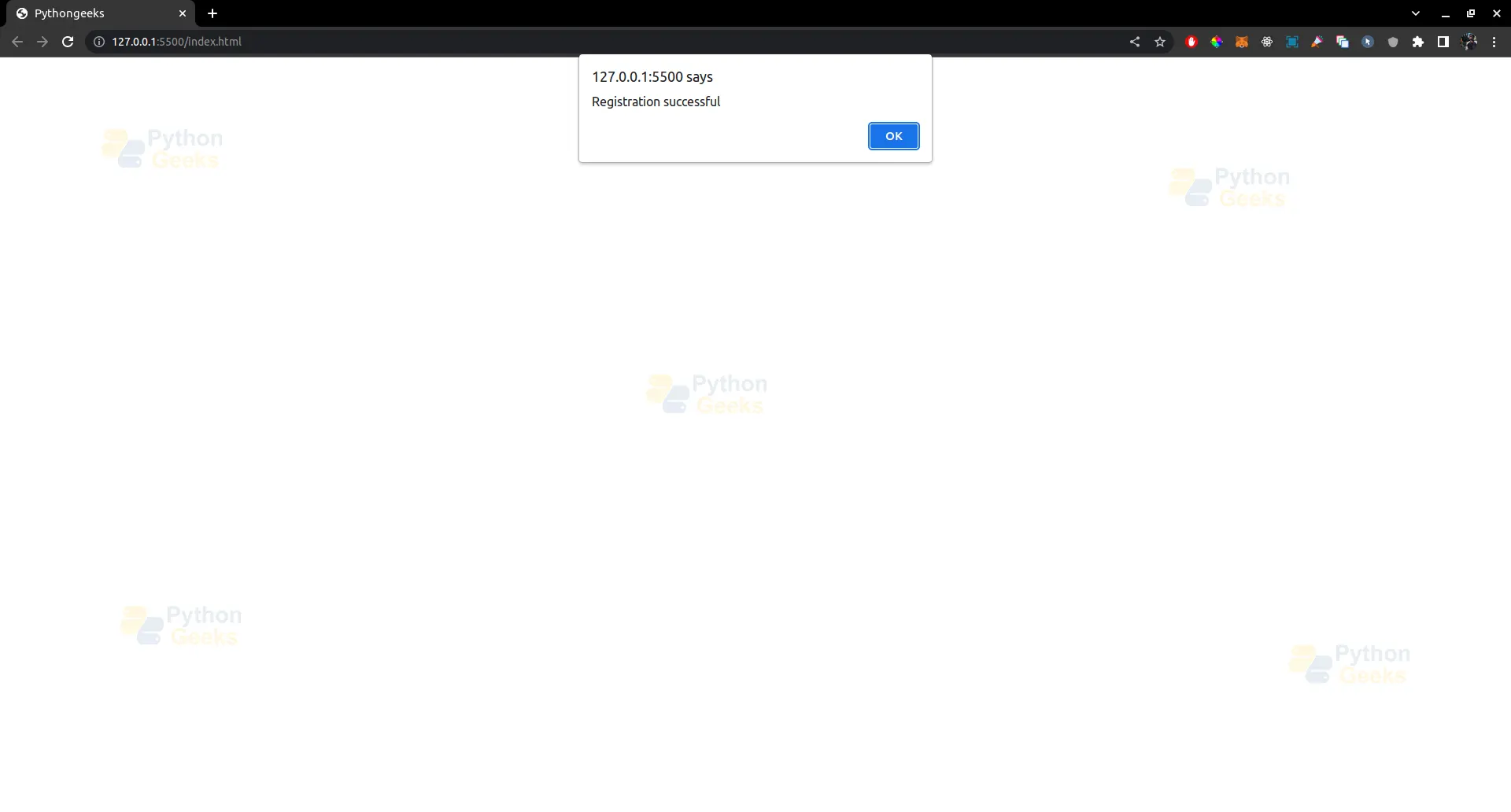
In the above example, the _() function is used to wrap the success message, allowing it to be translated to different languages based on the current locale.
Conclusion
Flask flashing is a powerful feature that allows developers to provide user feedback in web applications. It can be used to display success messages, error messages, action confirmations, and handle errors in a flexible and customizable way. By using categories, setting message duration, customizing message rendering, and localizing messages, Flask flashing can be tailored to suit the needs of different web applications. It enhances the user experience by providing clear and concise feedback on the outcome of user actions, making web applications more user-friendly and robust.
